You can now perform a Client/Matter Inquiry while on the go. To learn more about the Client/Matter Inquiry feature, visit the Juris Answer Center.
-
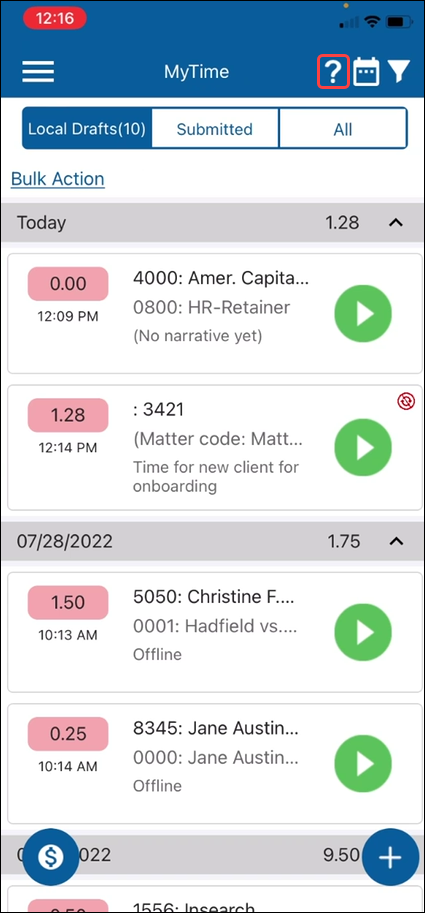
While in My Time or My Expenses, tap the question mark (?) menu item.
-
The Inquiry window will open.
Enter the Client or Client/Matter and tap the Submit button to perform the search.
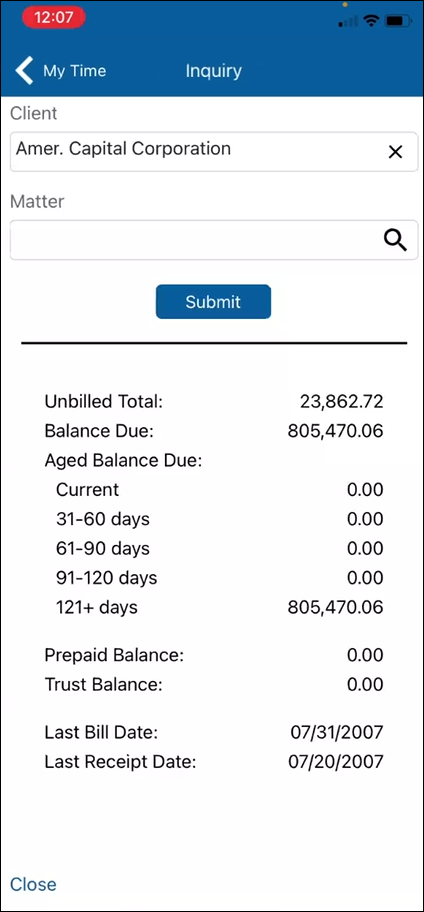
A high-level Client/Matter Inquiry report will display based on the entered fields.
Tap Close to return to My Time or My Expenses.